
Login/Registration
Codecannon apps ship with a fully functional Login and Registration system. The system is built using Laravel Sanctum, Fortify and a bit of custom implementation for the backend and a custom implementation on the frontend.
- See also
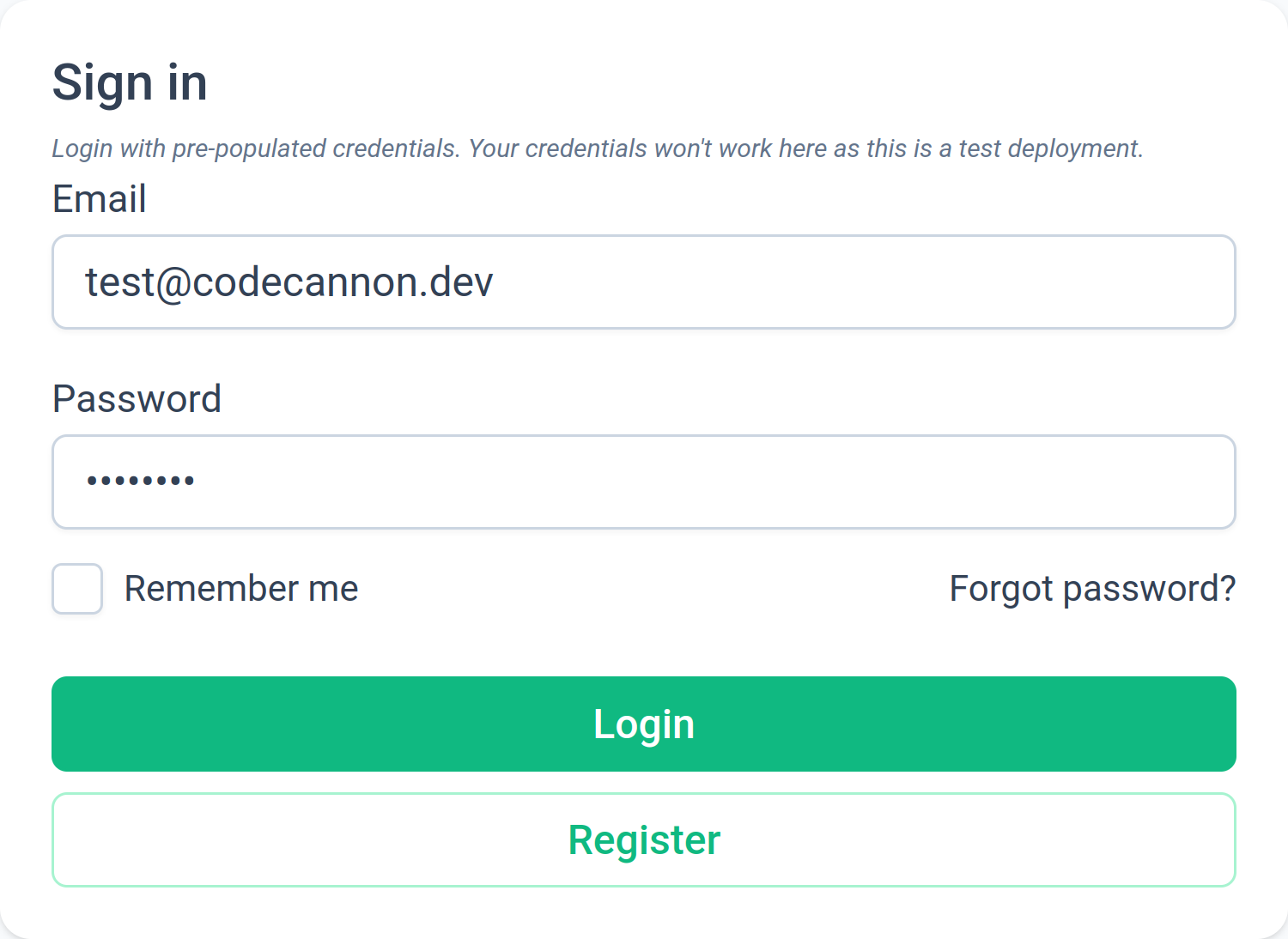
Login page
The login page source code can be found in ui/src/views/Auth/Login.vue.
The login page is the first page the users land on and is the page where users are redirected when logged out.
It's a basic login page with backend form validation and links for registration and password reset.
Registration page
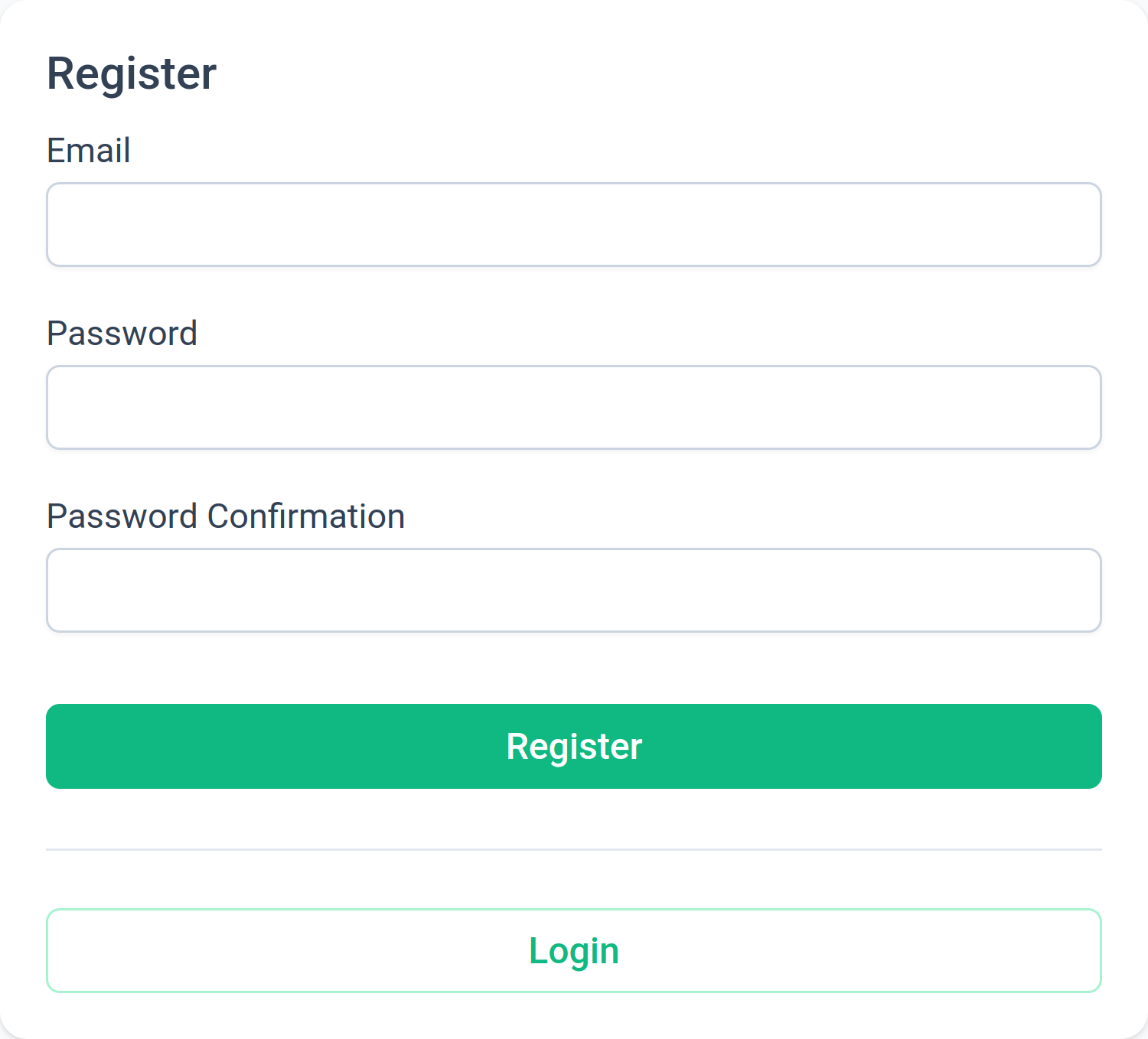
The registration page source code can be found in ui/src/views/Auth/Register.vue.
The registration page is where users can create a new account.
It's a basic registration page with backend form validation and links for login and password reset.
After a user registers, they will be redirected to the email verification page, prompting them to verify their email address.
Email verification page
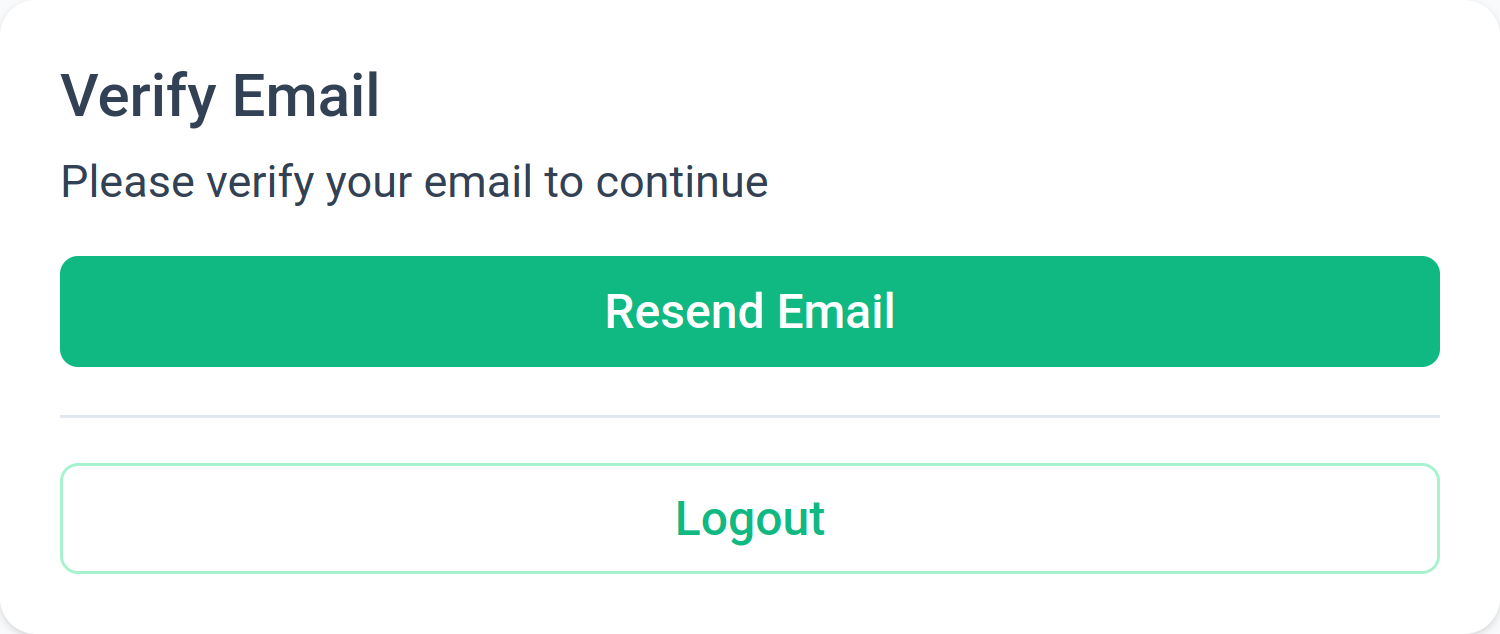
The email verification page source code can be found in ui/src/views/Auth/VerifyEmail.vue.
The email verification page is where users are redirected to after registering a new account.
It's a basic page with a message prompting the user to check their email for a verification link.
It doubles as the page where users are redirected to when they click the verification link in their email.
Forgot password page
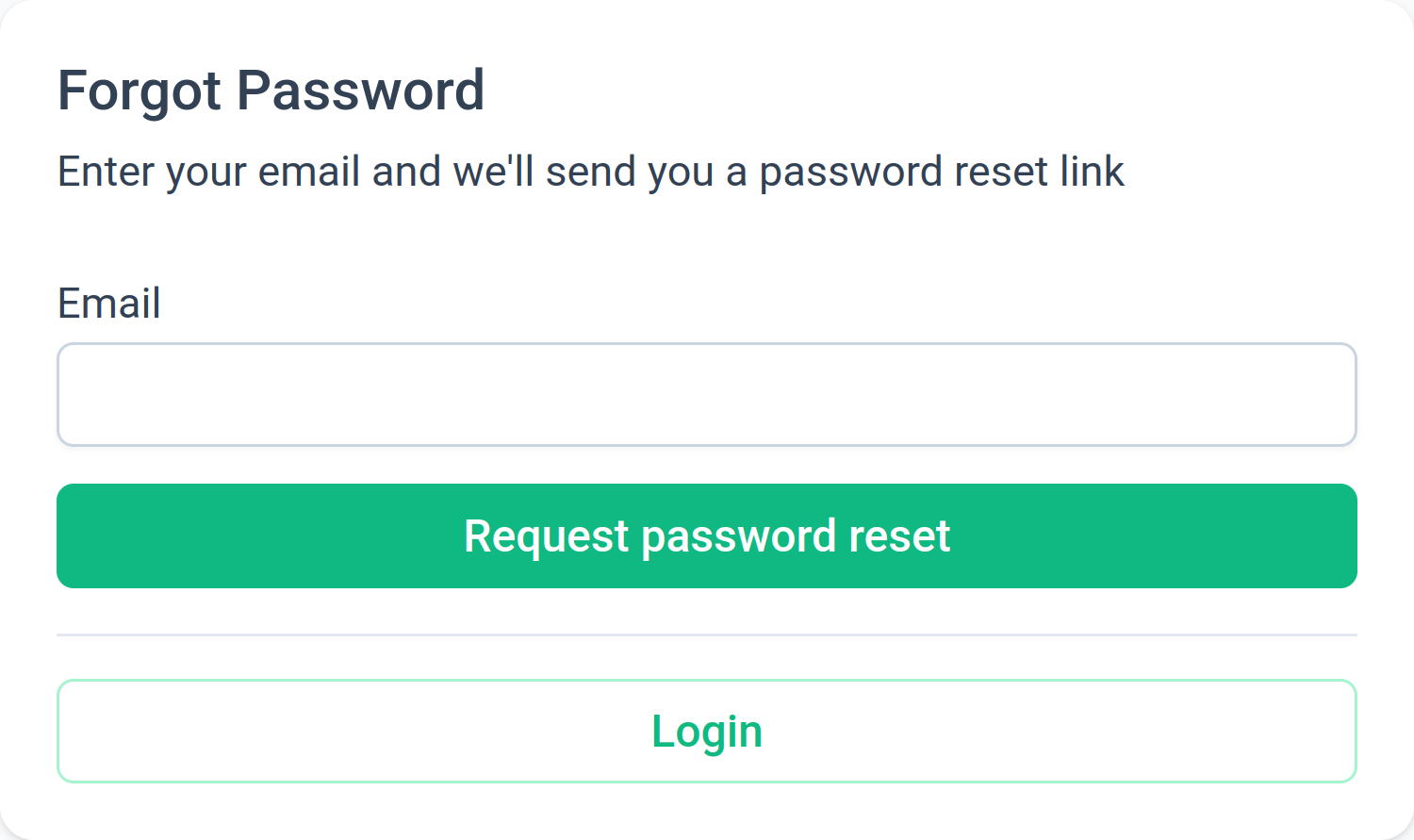
The forgot password page source code can be found in ui/src/views/Auth/ResetPassword.vue.
The forgot password page is where users are redirected to when they click the Forgot password? link on the login page.
It's a basic page with backend form validation and links for login and registration.
A user is prompted to enter their email address, and if the email address is valid, they will receive an email with a password reset link.
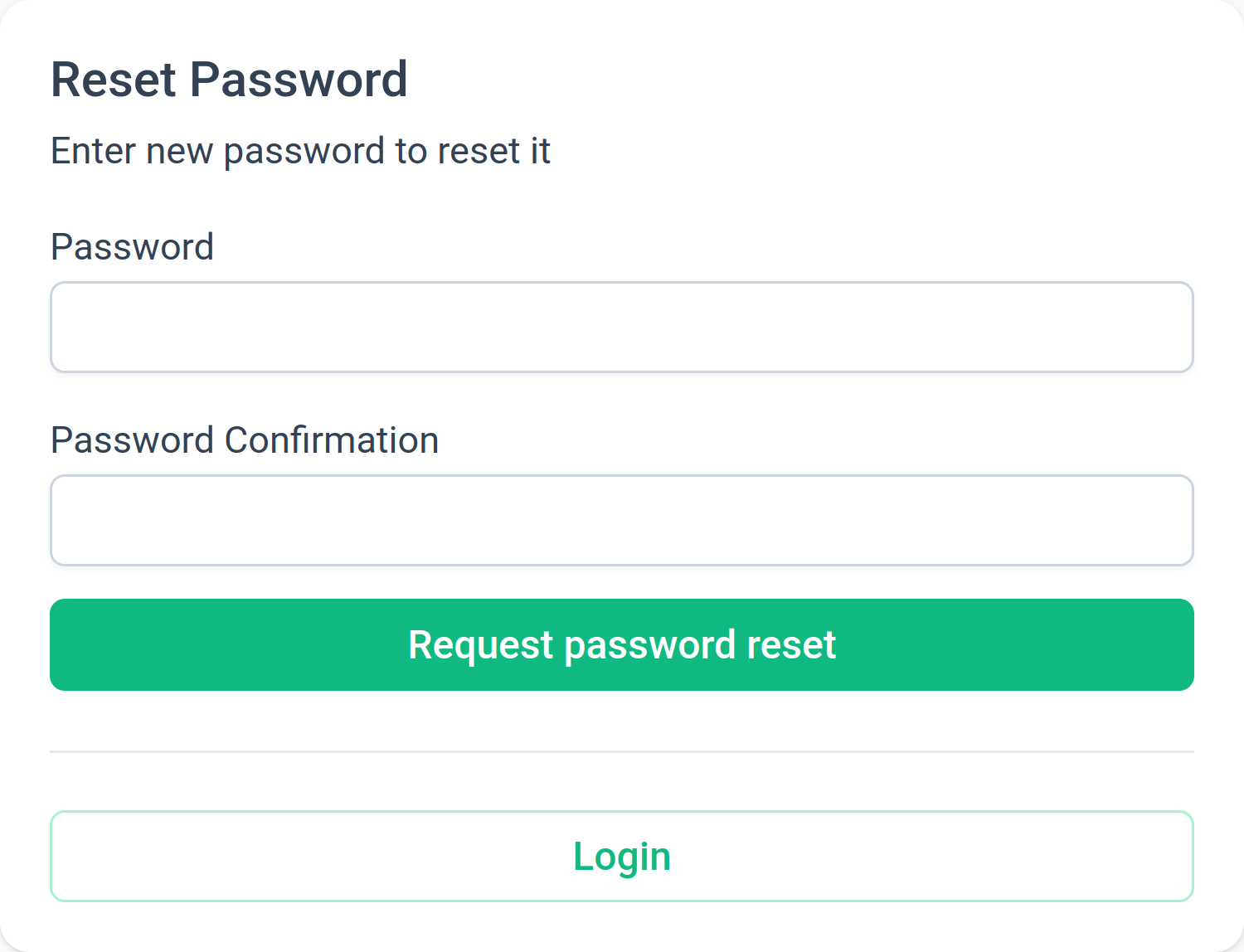
Reset password page
The reset password page source code can be found in ui/src/views/Auth/UpdatePassword.vue.
The reset password page is where users are redirected to after clicking the password reset link in their email.
It's a basic page with backend form validation and links for login and registration.
A user is prompted to enter a new password and confirm it.
Logout
The logout functionality can be found in ui/src/router/index.ts.
It's a simple route that calls the auth.logout() method in the Auth store.
When a user logs out, they are redirected to the login page.